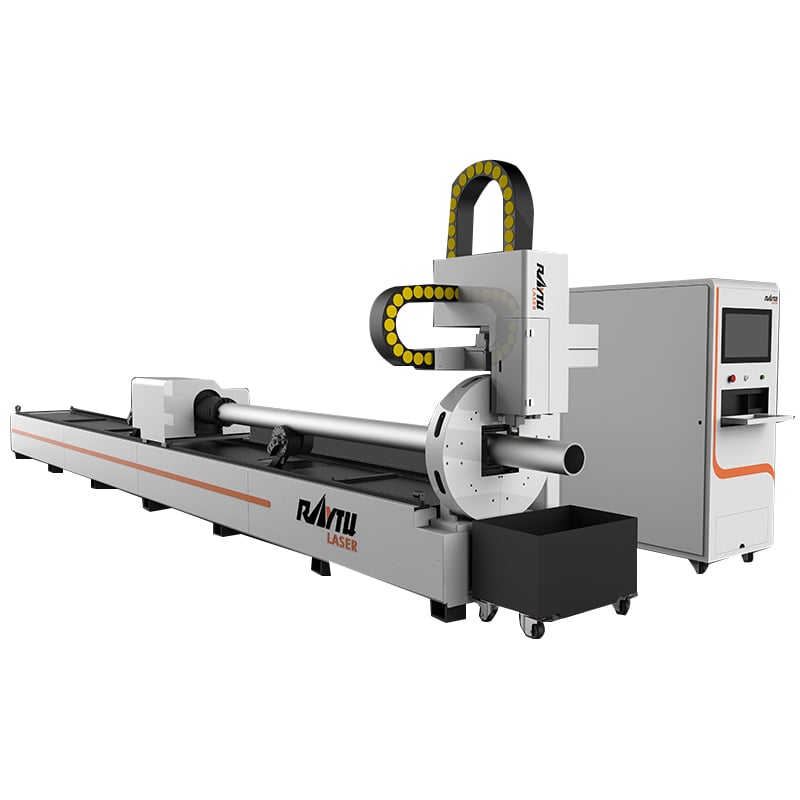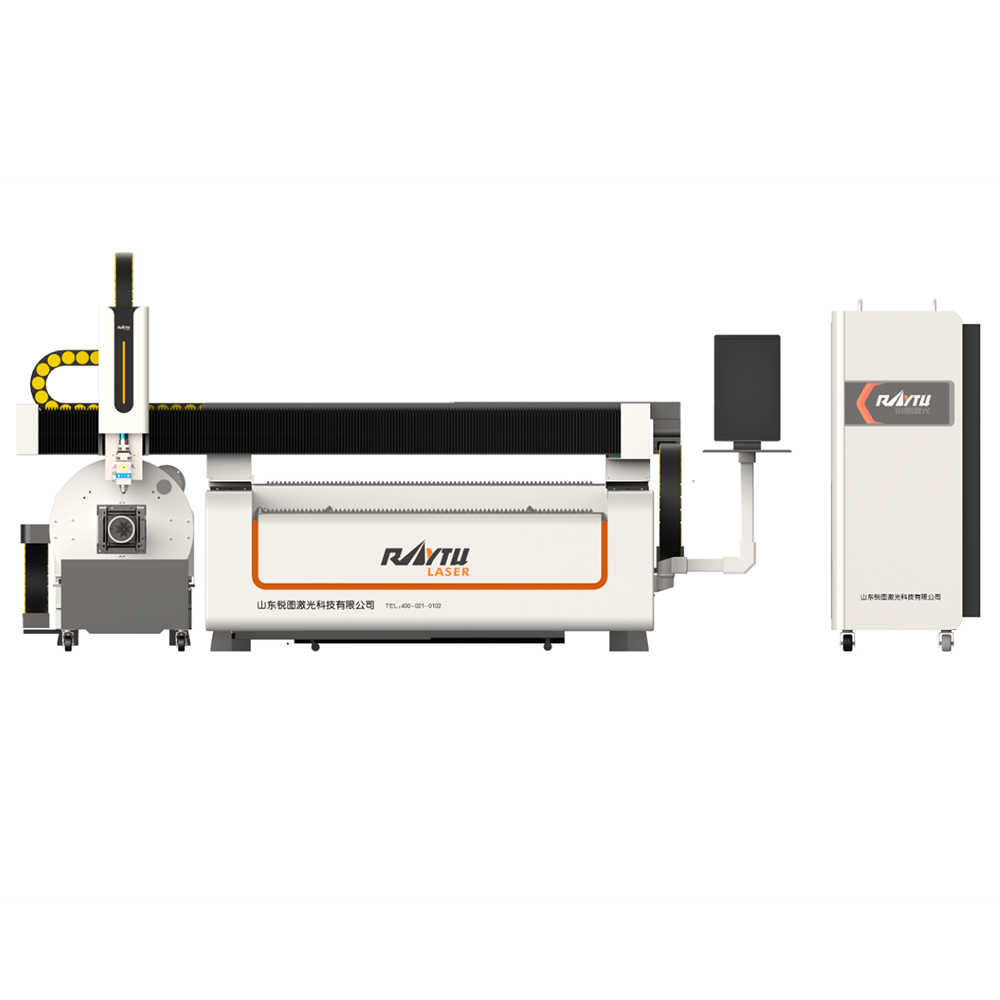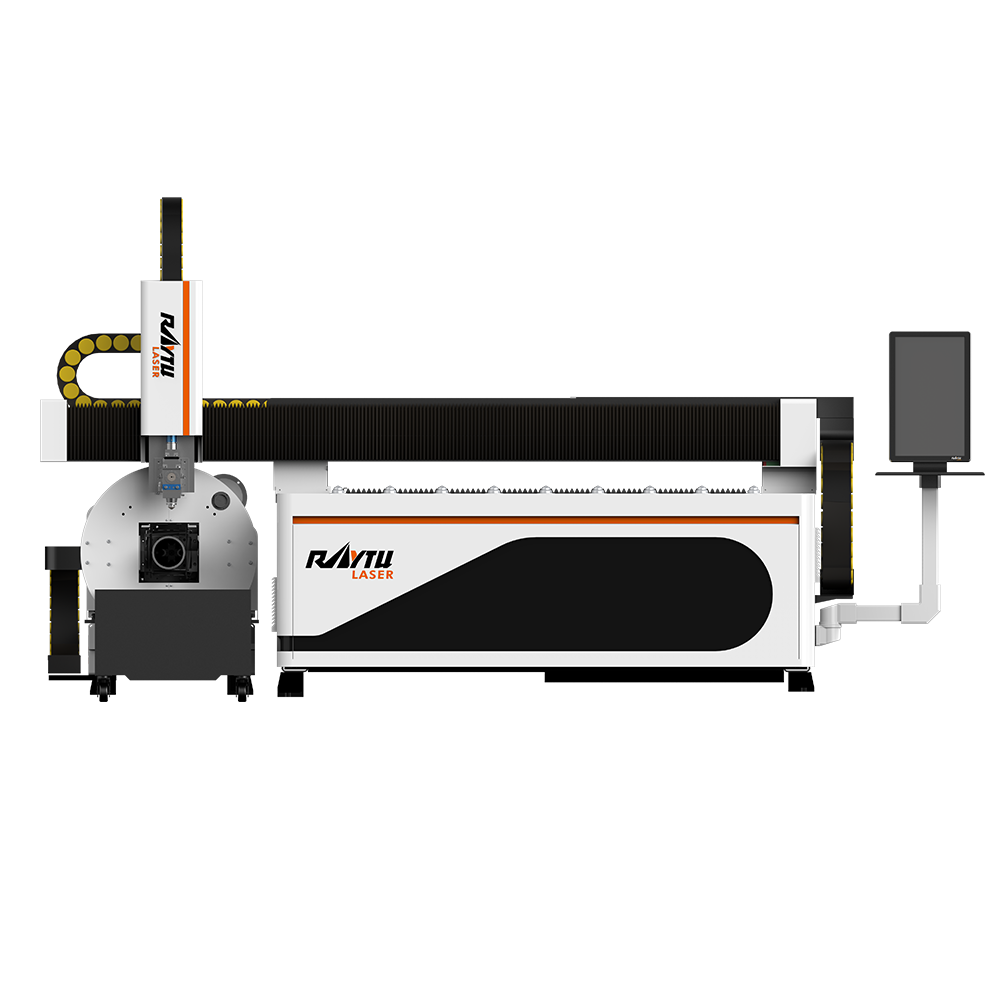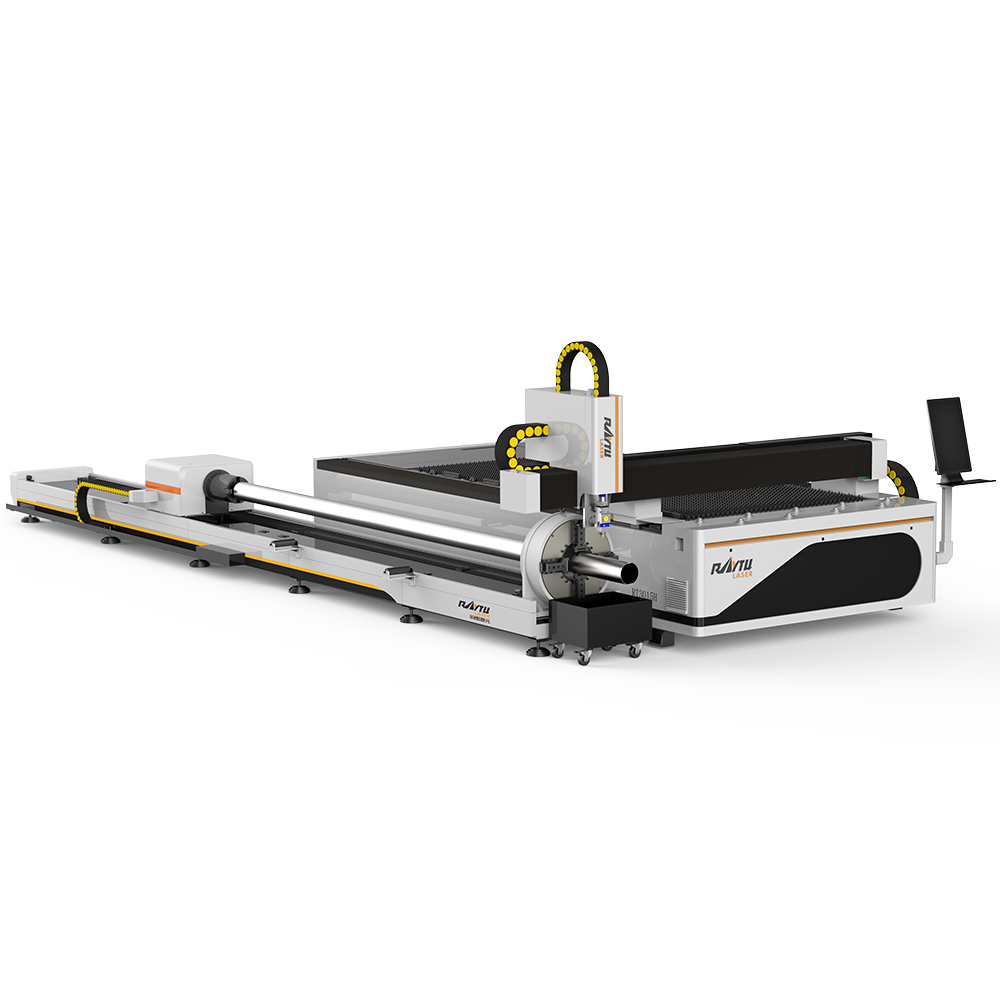
Don't wait for your machine to stop to start caring for it.
Maintenance is often the most overlooked part of owning a fiber laser cutting machine—until production halts. While fiber lasers (like the Raytu series) are famous for being low-maintenance compared to CO2 lasers, "low maintenance" does not mean "no maintenance."
A structured service routine is the difference between a machine that lasts 10 years and one that fails in 3. This guide breaks down the essential upkeep required to keep your cutting quality sharp and your downtime close to zero.
The cutting head is the most sensitive part of your machine. Dust and smoke are its enemies. If contamination gets onto the protective lens, the high-energy laser beam will burn it instantly, leading to expensive repairs.
Check the Protective Window: Remove the cartridge daily. Inspect for black spots or dust.
Clean with Isopropyl Alcohol: If dirty, use a lint-free wipe and 99.9% alcohol. Wipe in one direction—do not scrub.
Inspect the Nozzle: A damaged nozzle ruins gas flow. If the circle isn't perfect, replace it.
Gas Purity Check: Ensure your Oxygen (O2) or Nitrogen (N2) lines are free of moisture and oil.
Pro Tip: Never change lenses in a dusty environment. Always do it in a clean room or turn off the workshop fans first.
Your chiller isn't just an accessory; it protects the expensive laser source. If the water gets too hot or too dirty, the laser source will shut down to protect itself.
Water Temperature: Ensure the dual-temperature settings are correct (typically roughly 25-26°C for the cutting head and 28-30°C for the laser source).
Water Quality: Change the deionized or distilled water every month (in summer) or every 2 months (in winter).
Conductivity: High conductivity can damage internal laser components. Keep it within the manufacturer's specified range.
Filters: Clean the dust filters on the chiller's air intake. A clogged filter means the chiller works harder and cools less.
Your laser moves fast. The rack, pinion, and linear guides endure massive acceleration forces. Without lubrication, friction will destroy precision.
Lubrication (Weekly): Check the oil/grease pump. Is it dispensing correctly? If you hear grinding noises, stop immediately.
Cleaning (Daily): Use an air gun to blow away metal dust and scrap from the bellows (dust covers) and rails. Metal dust acts like sandpaper on your gears.
Tightening (Monthly): Check the screws on the motor mounts and couplings. Vibrations can loosen them over time.
Heat and dust kill electronics. The electrical cabinet houses your servo drives, PC, and laser source.
Fan Inspection: Check if the cooling fans on the cabinet and the laser source are spinning.
Dust Removal: Every 3 months, vacuum (do not blow!) the dust out of the cabinet. Blowing compressed air can push conductive dust into the circuit boards, causing short circuits.
To make this easy for your operators, print this table and stick it on the machine:
| Frequency | System | Task |
| Daily | Optics | Inspect protective lens & nozzle. Clean if needed. |
| Daily | Gas | Check assist gas pressure and air compressor filters. |
| Weekly | Motion | Check lubrication oil level; clean rails. |
| Weekly | Chiller | Check water level; clean air filters. |
| Monthly | Electrical | Check for loose cables; clean cabinet fans. |
| Quarterly | Mechanics | Check belt tension and rack/pinion alignment. |
Need Spare Parts?
Don't let a $20 lens stop your $50,000 machine. We recommend keeping a stock of protective windows, nozzles, and ceramic rings on hand.
 Hot News
2026-09-08
2025-09-11
2025-08-25
2025-08-04

RT Laser is a nationally recognized high-tech enterprise specializing in the research, development, production, and sales of laser equipment. Our core products include fiber laser cutting machines, handheld laser welding machines, and bending machines.
No.6-8, Binhe industrial park, Jiyang district, Jinan city, Shandong province, China.
Copyright © 2025 by RAYTU LASER Technology Co.,Ltd. Privacy Policy
 EN
EN